An open-source Granola alternative for Mac and Windows, with local AI processing and timestamped video playback.
Record what was said and shown. AutoDoc turns meeting audio into editable notes, while the screen recording lets you replay the moment behind a timestamp. Transcription, notes, and Ask AI run on your computer, not through a cloud AI service.
No meeting bot, AutoDoc account, or AI API key required.
macOS 14+ · Apple Silicon · Windows 10+ x64 8 GB min · 16 GB+ recommended for the best experience Requirements →
AutoDoc records screen video and meeting audio, creates editable notes, and lets you replay a timestamp or ask a question.
AutoDoc notices an active meeting and asks before recording.
Screen video, mic, and system audio are captured together from your device.
Notes and transcript stay linked to the recording — the screen context is one click away.
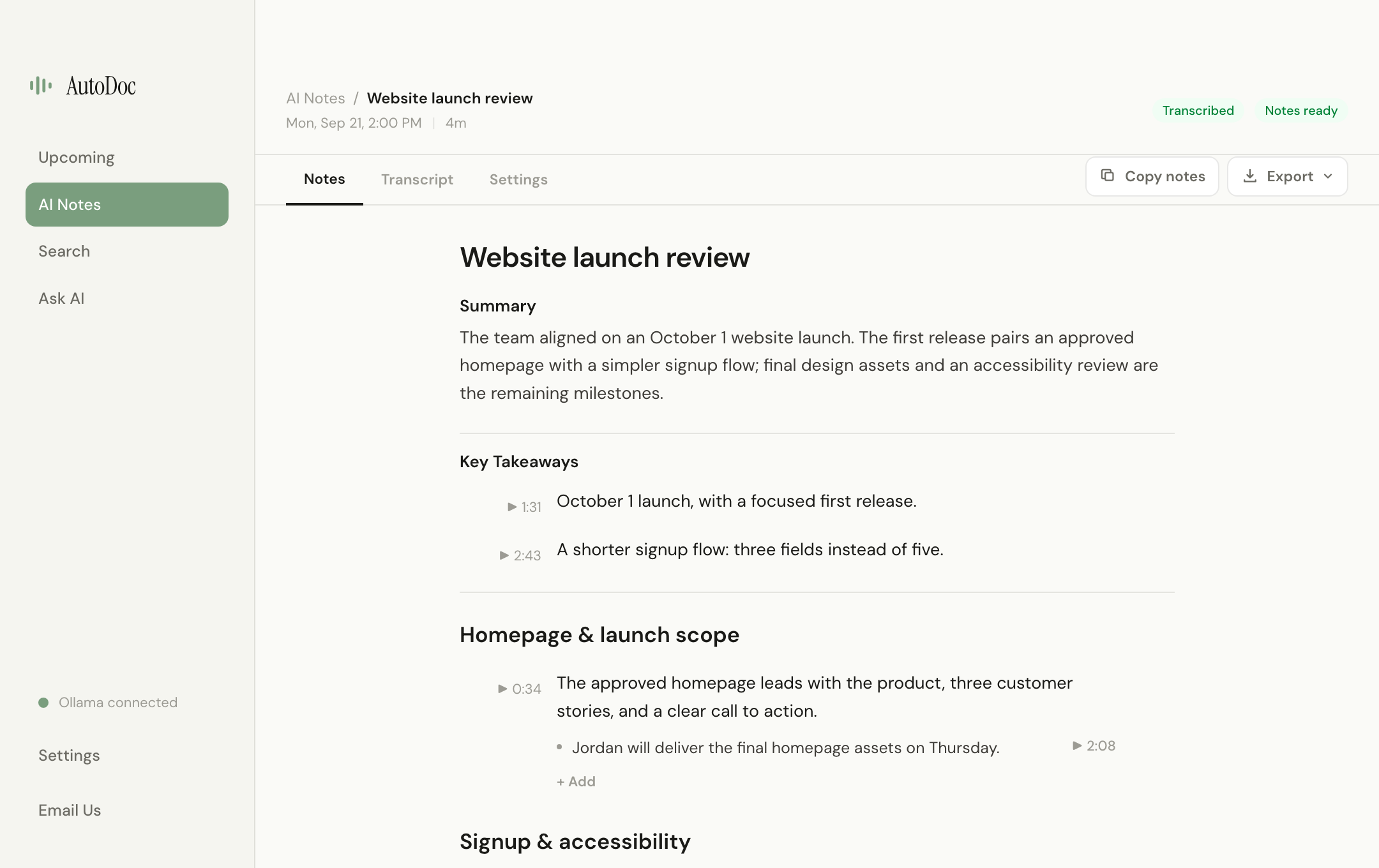
Start with a summary, then explore the conversation by topic. Edit the details, jump from an available timestamp to the recording, or export your notes as PDF, Word, or Markdown.
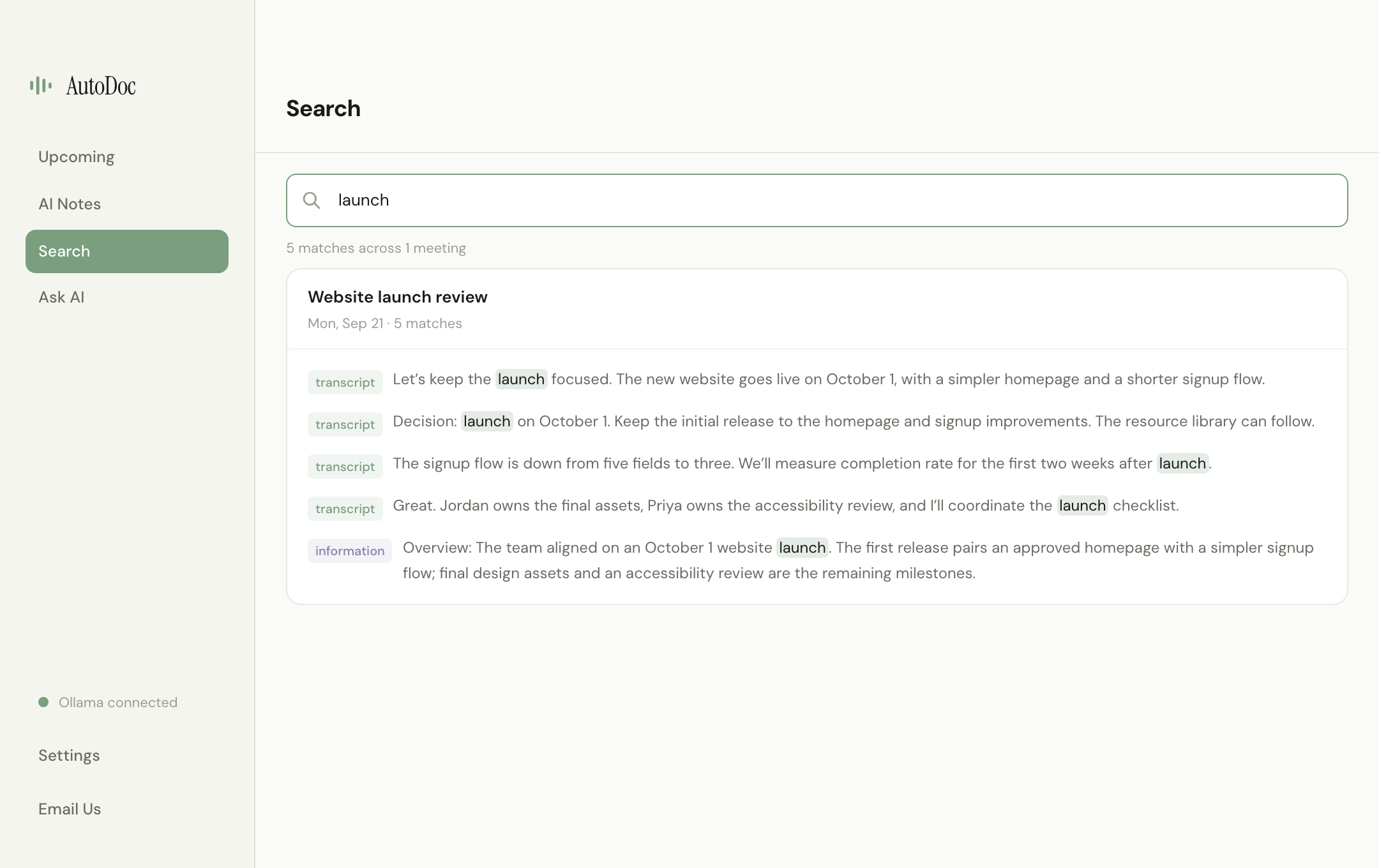
Search your transcripts and notes, then open the matching meeting to review the context.
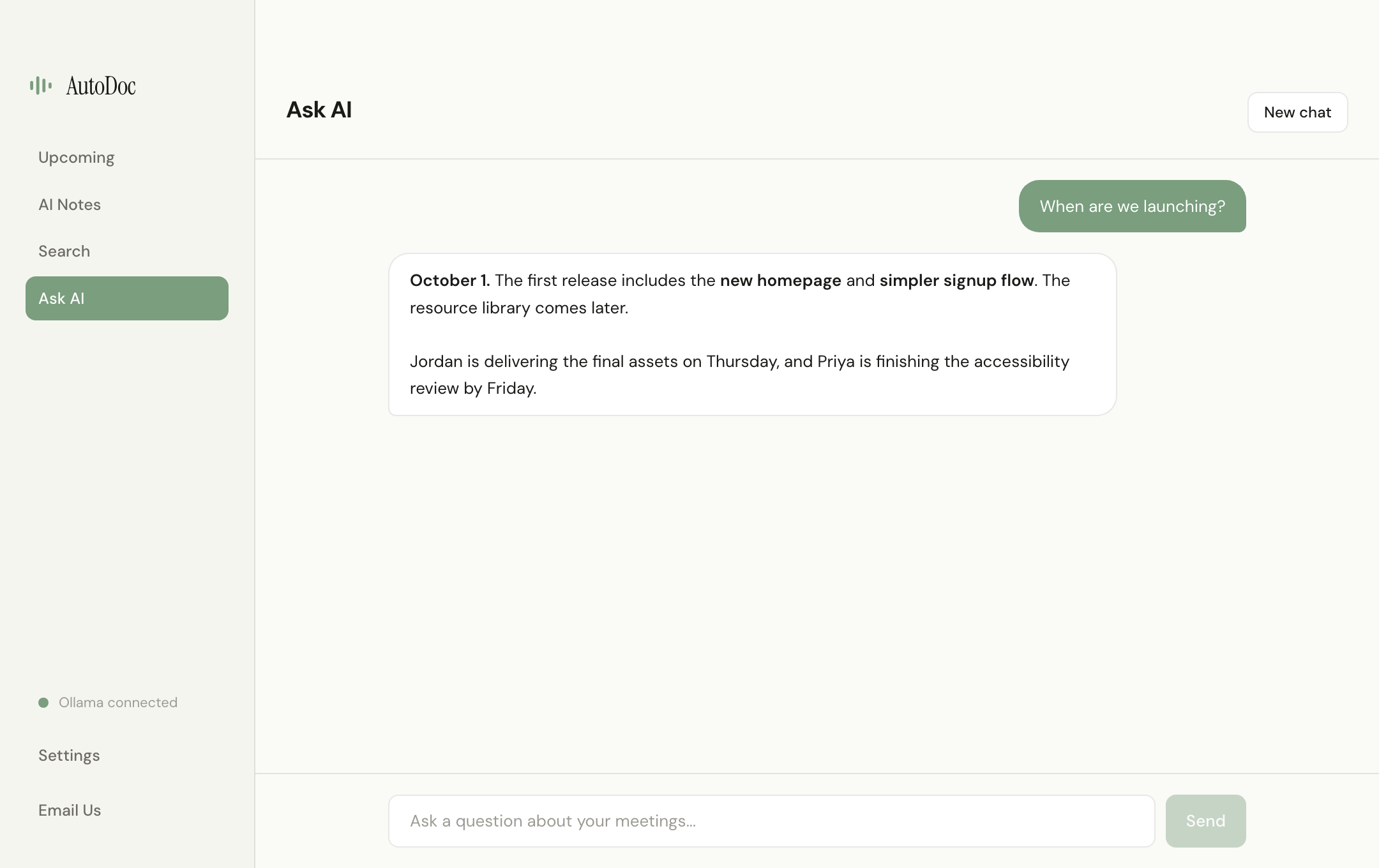
Ask questions across past meetings and review answers grounded in your meeting history. Retrieval and responses run locally through Ollama.
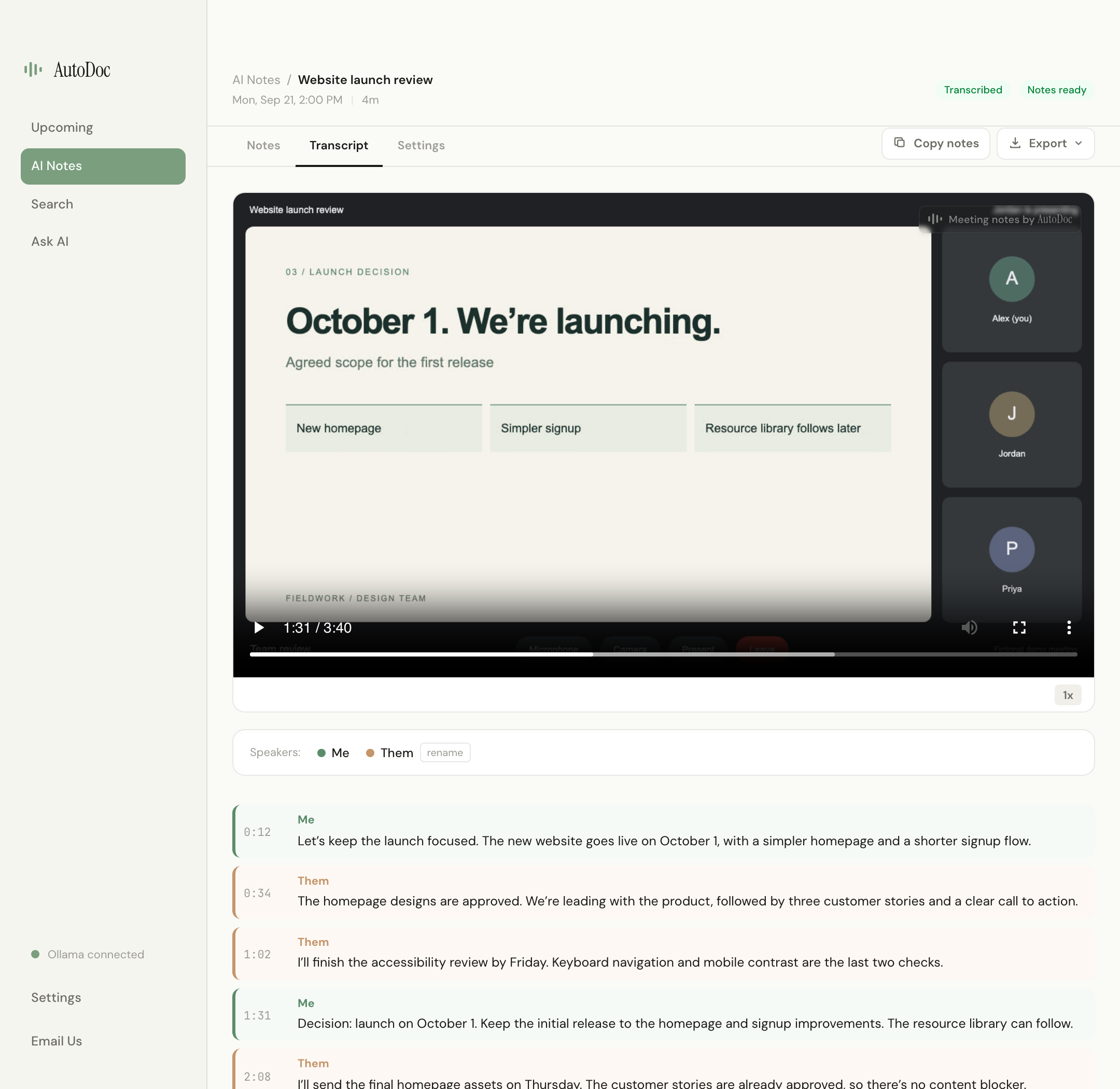
Open the recording in the Transcript tab, or select an available timestamp in your notes to revisit what was said and shown. Microphone audio is labeled Me and combined system audio is labeled Them. AutoDoc does not identify each remote participant.
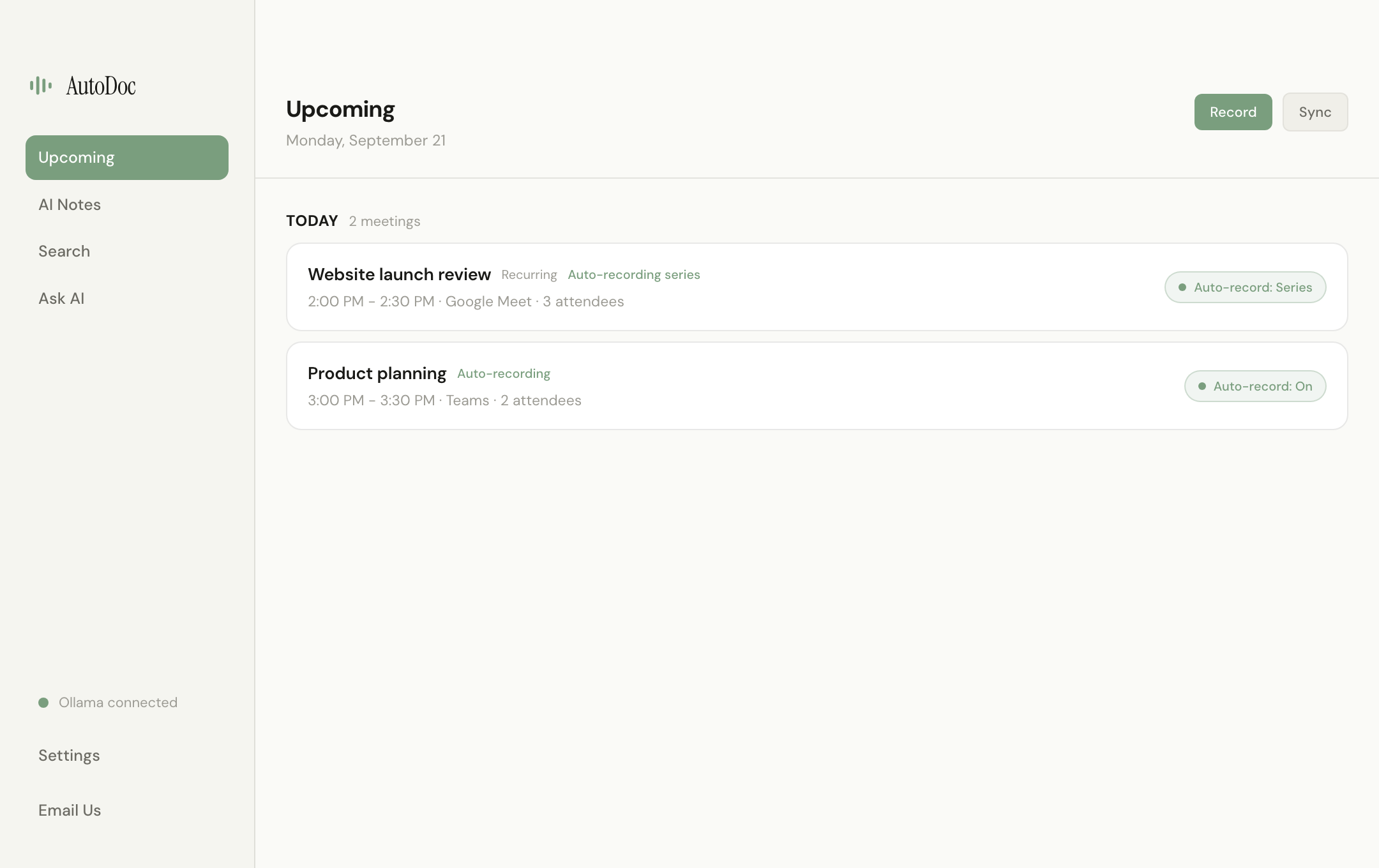
Connect Google Calendar or Microsoft Outlook to see upcoming meetings, auto-name recordings, and choose whether a meeting records once, for a whole recurring series, or only when you say so. Detection offers to record. A meeting you already set to record once or for the series can start without another prompt.
AutoDoc is built around local AI processing and recordings you can revisit. Transcription, notes, and Ask AI run on your computer, and available timestamps take you back to the screen recording. It is free and open source, with ready-to-use Mac and Windows installers.
Local AI needs local resources: allow roughly 10 GB for initial setup and extra space for recordings. 8 GB RAM is supported; 16 GB or more is recommended.
Legal, healthcare, finance, and HR conversations that can't live on a vendor's servers.
Capture decisions and action items without paying monthly per-seat cloud fees.
Keep client conversations on your laptop with searchable history across engagements.
If you wouldn't paste a transcript into a random SaaS, AutoDoc keeps the full pipeline local.
We're the team behind Duet Display. We built AutoDoc to keep meeting processing on your computer and make the software open for anyone to inspect and contribute to.
Learn more about us →Choose your platform and keep every recording, transcript, and note on your own computer.
macOS 14+ · Apple Silicon · Windows 10+ x64 8 GB min · 16 GB+ recommended for the best experience Requirements →
 From the creators of Duet