Meeting detection, screen video capture, on-device Whisper and Ollama, structured notes, Search, Ask AI, and encrypted storage — all on your Mac.
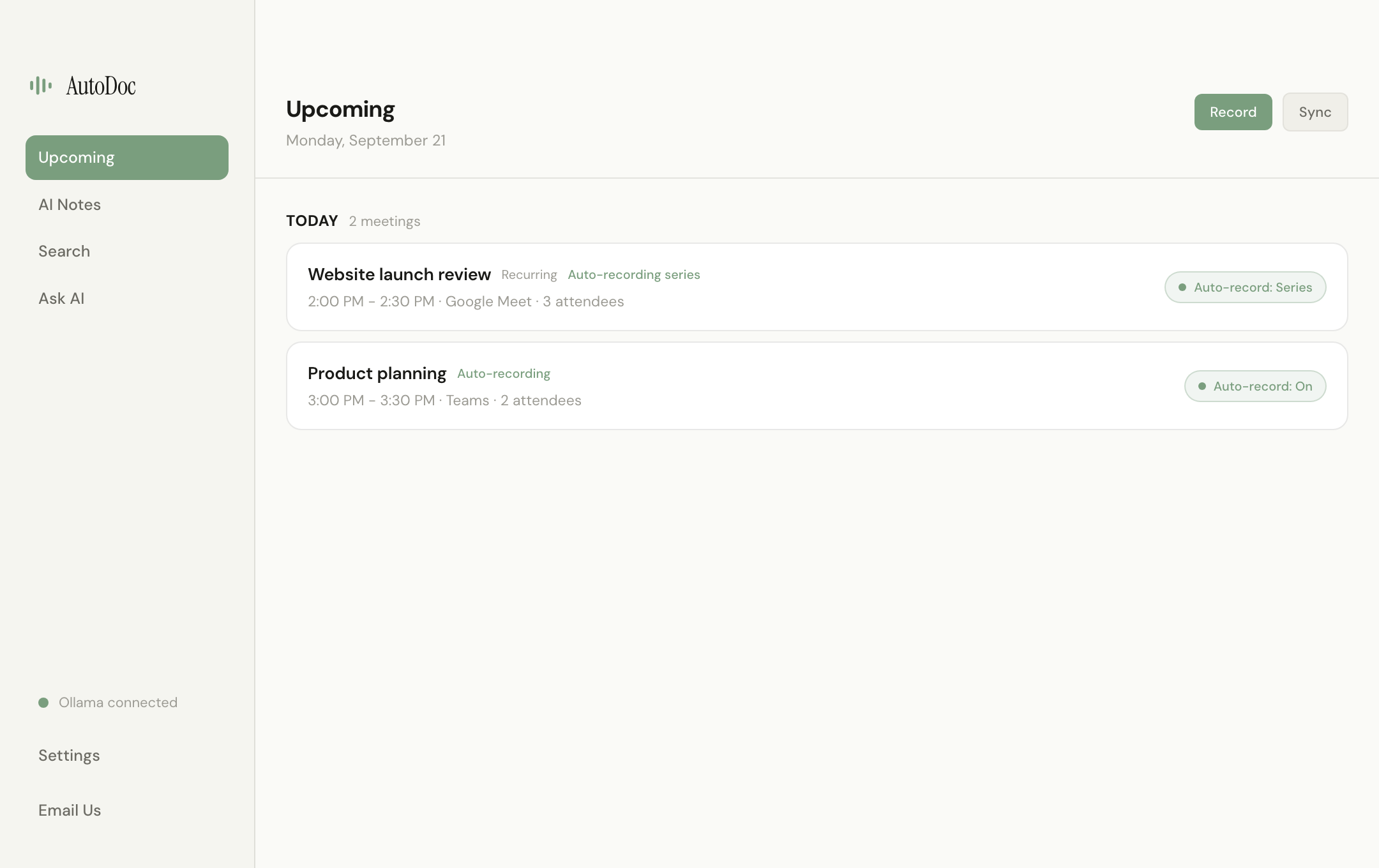
AutoDoc lives in your menu bar and detects active calls across Zoom, Meet, Teams, Webex, Slack, and Discord. A floating prompt asks if you want to start AI notes — no bot joins your meeting.
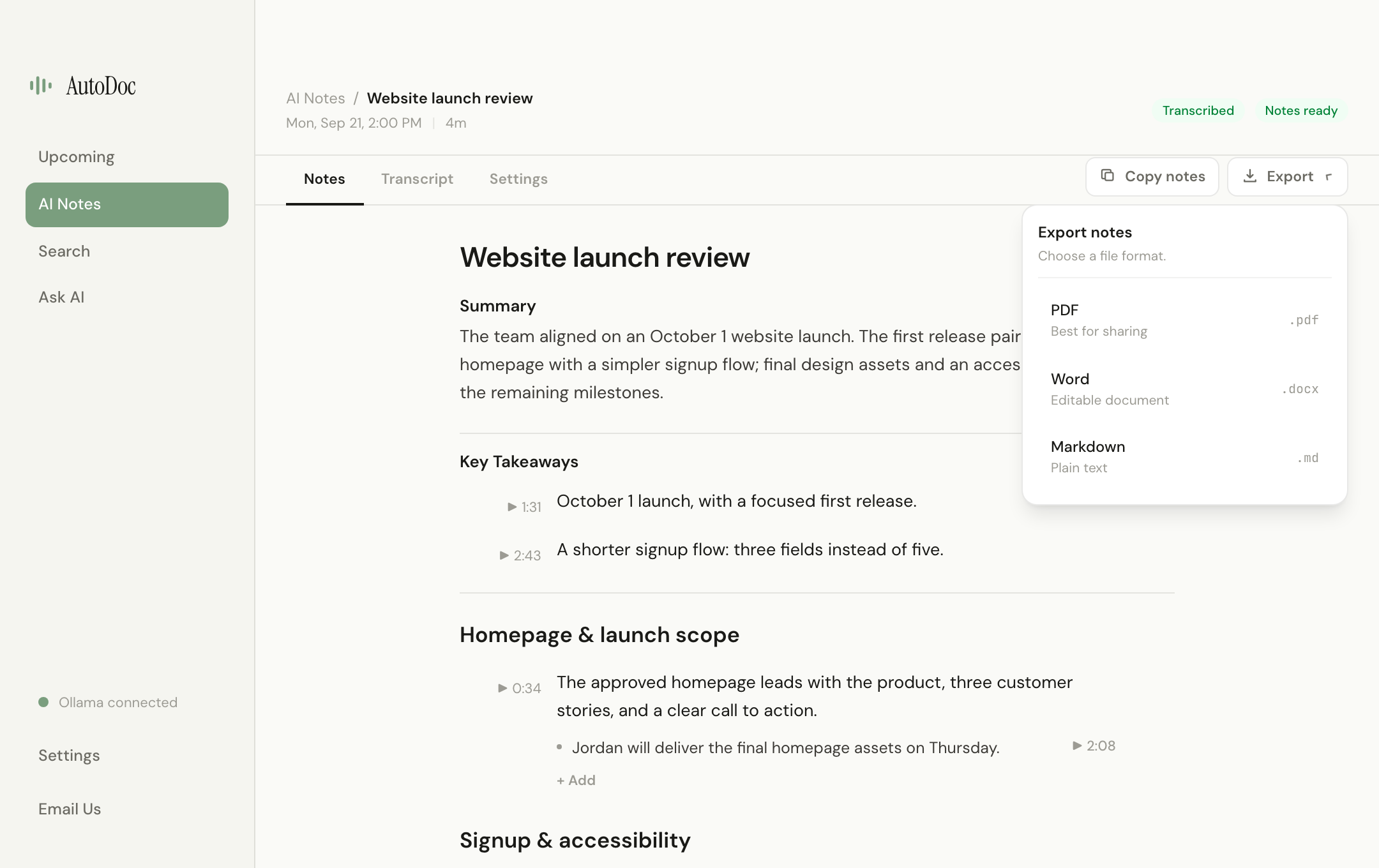
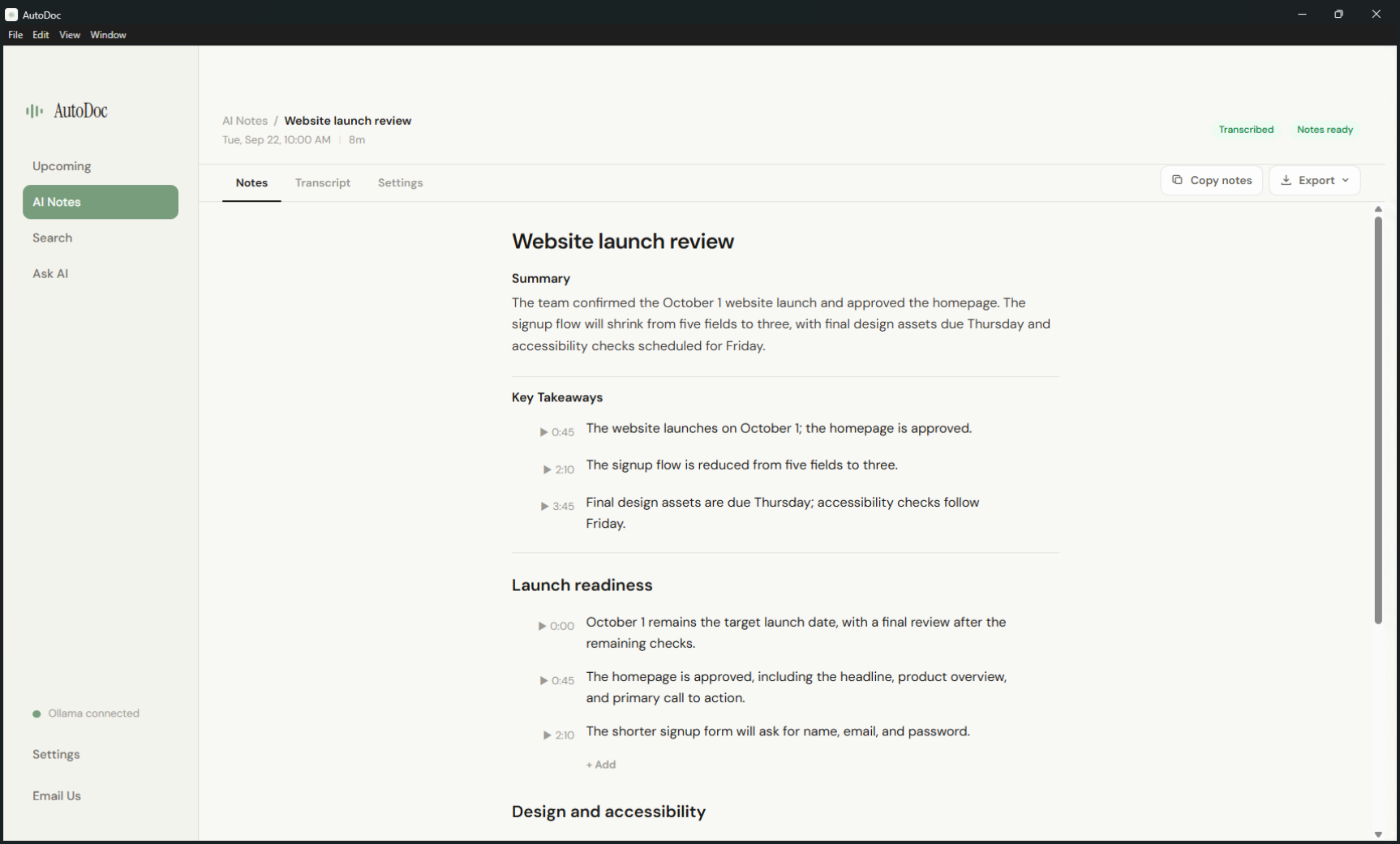
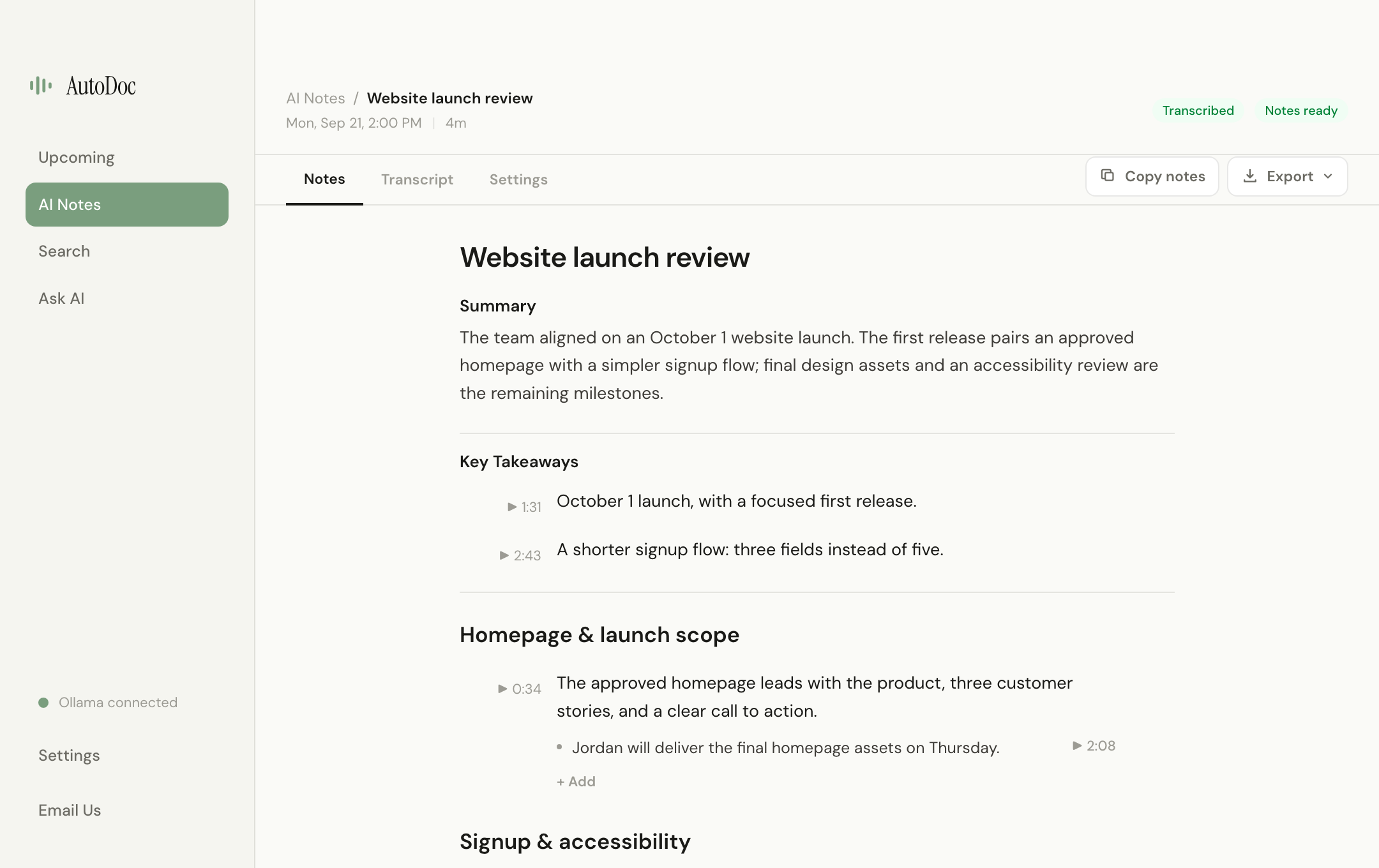
After every meeting, Ollama extracts structured notes from the transcript. Long meetings are chunked so nothing important gets dropped.
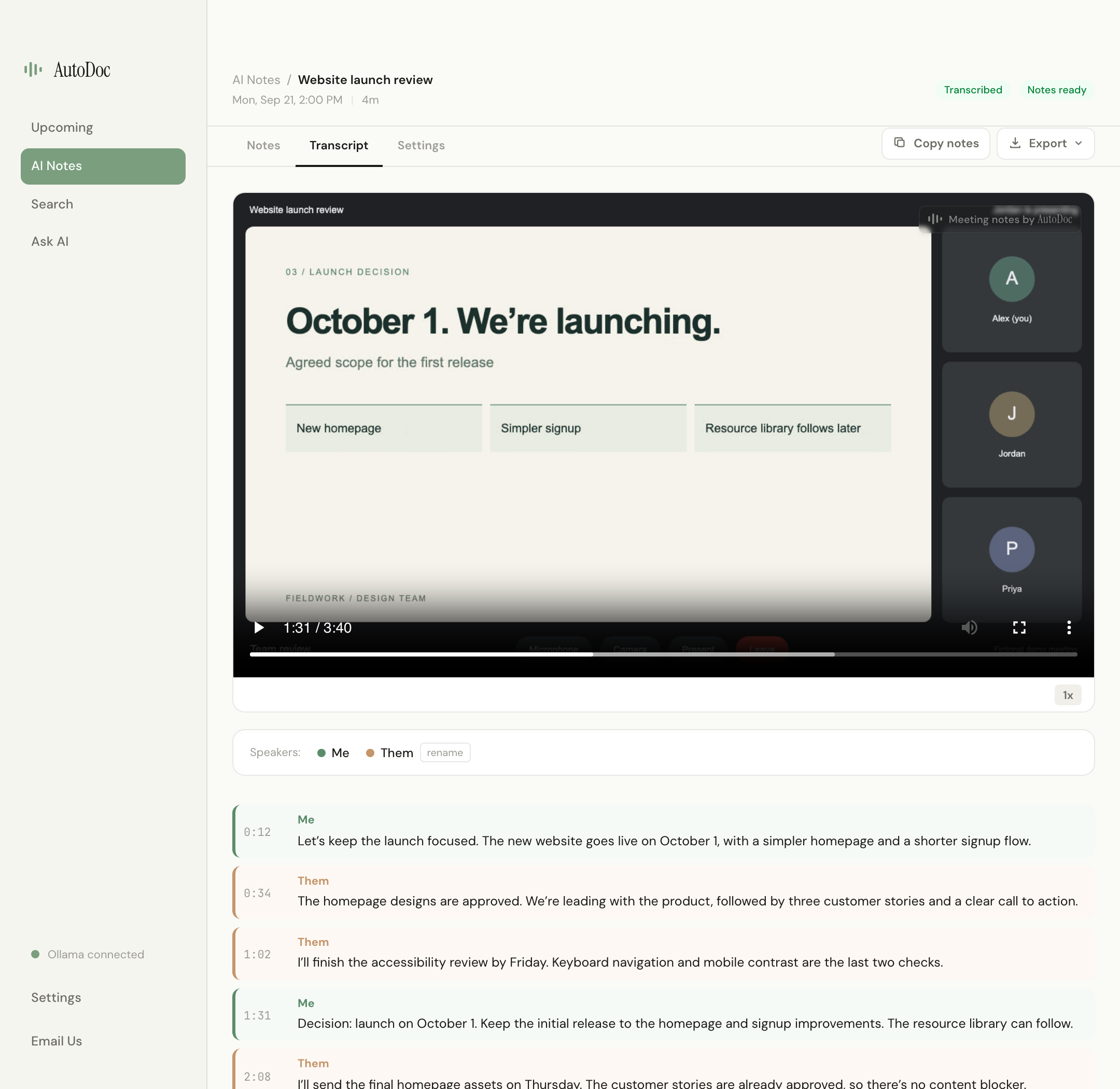
Three simultaneous tracks — screen video, your microphone, and system audio — captured together, so every transcript moment can be replayed against what was actually on screen.
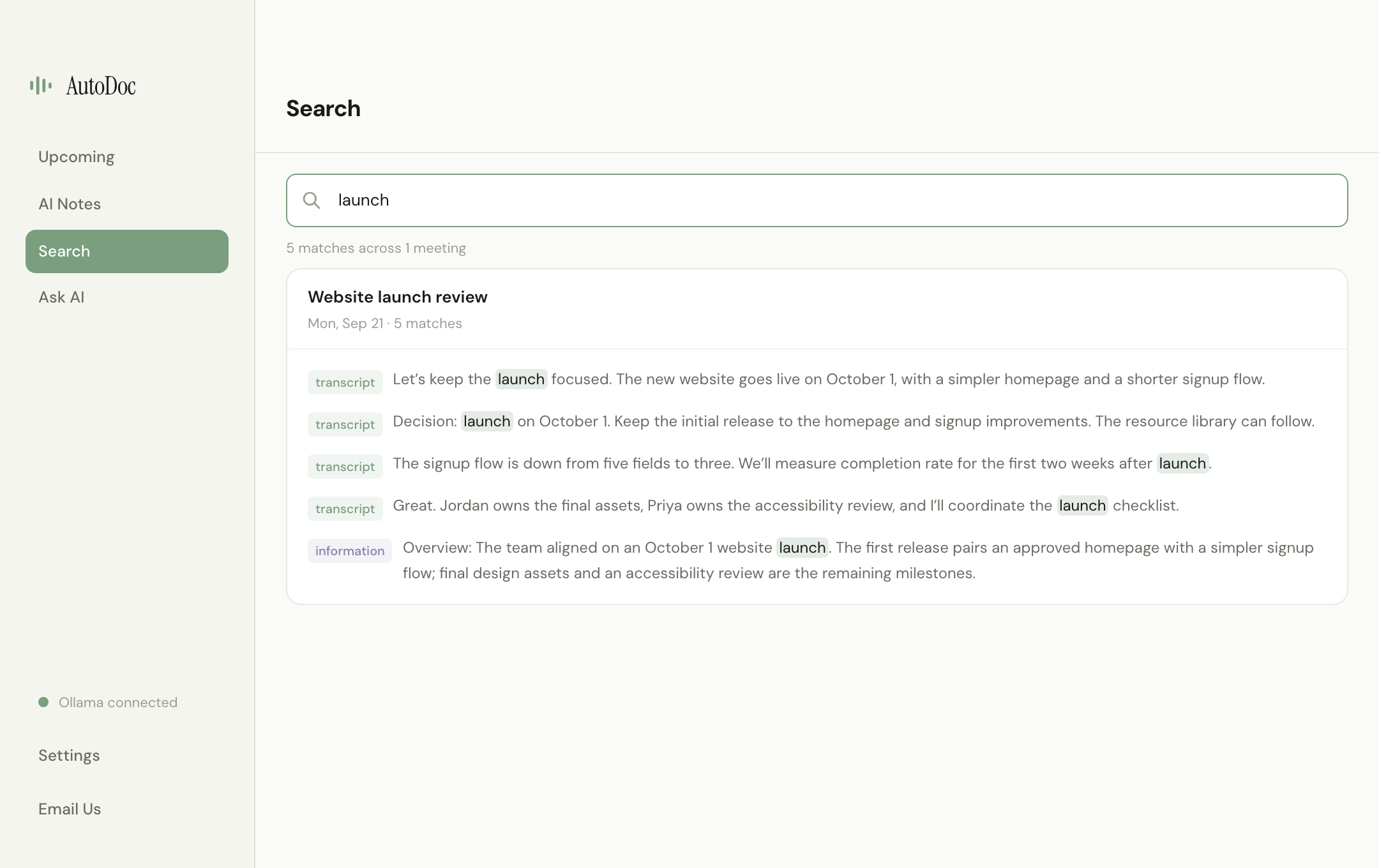
Full-text search across all transcripts and structured notes. Every match is clickable — jump to the exact line in the transcript or notes tab with highlighting.
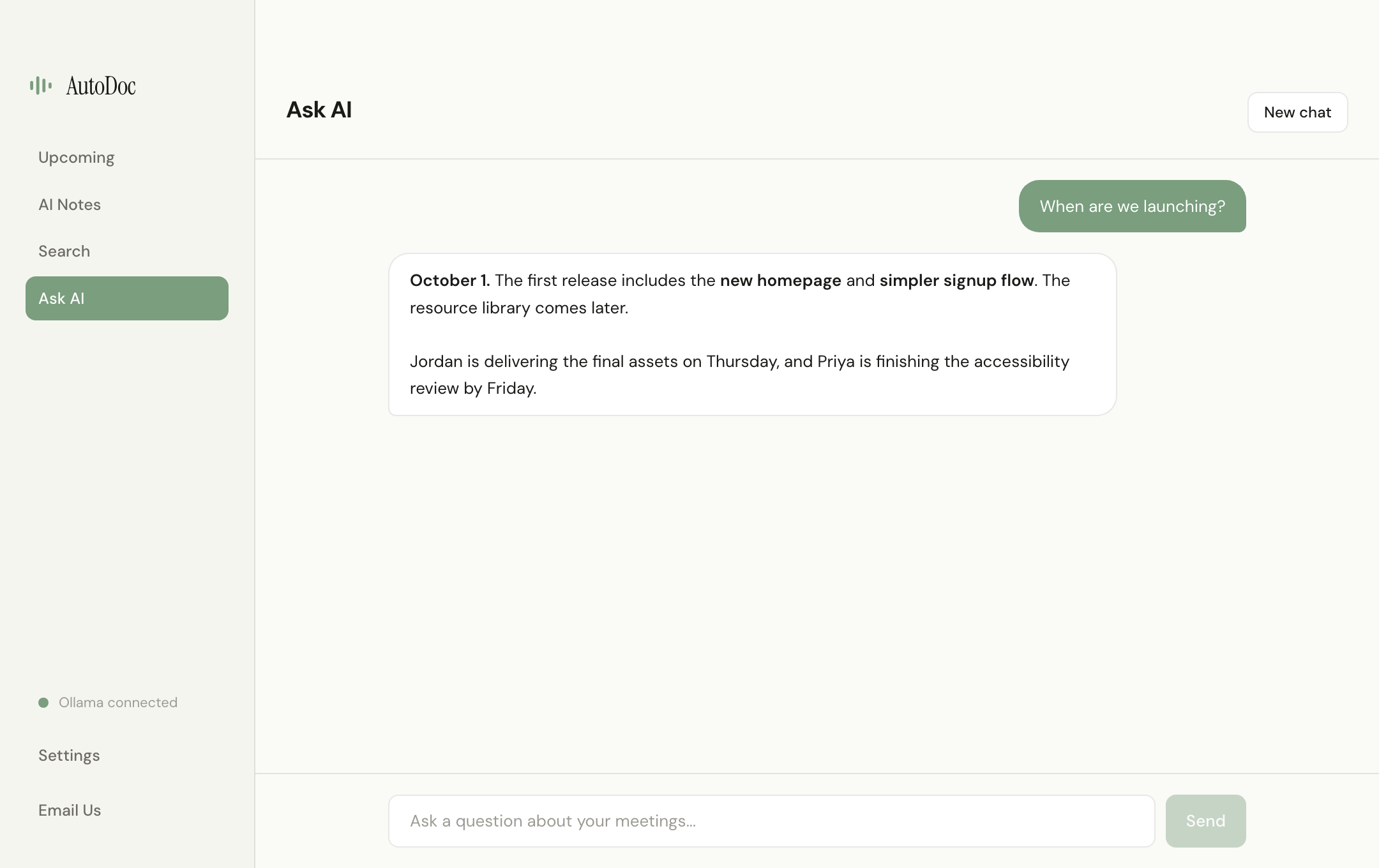
A dedicated Ask AI workspace for conversational questions — separate from keyword search. Answers are grounded in your transcripts, structured notes, and calendar using local Ollama.
Notes, transcript, and screen video in one place. Speaker labels with me/them detection, calendar-attendee rename suggestions, synced playback, and inline editing.
Every recording, transcript, and note is encrypted with AES-256-GCM. Keys live in the macOS Keychain. Whisper and Ollama models are managed locally — AutoDoc runs its own isolated Ollama instance.
Open source · local-first · macOS available now